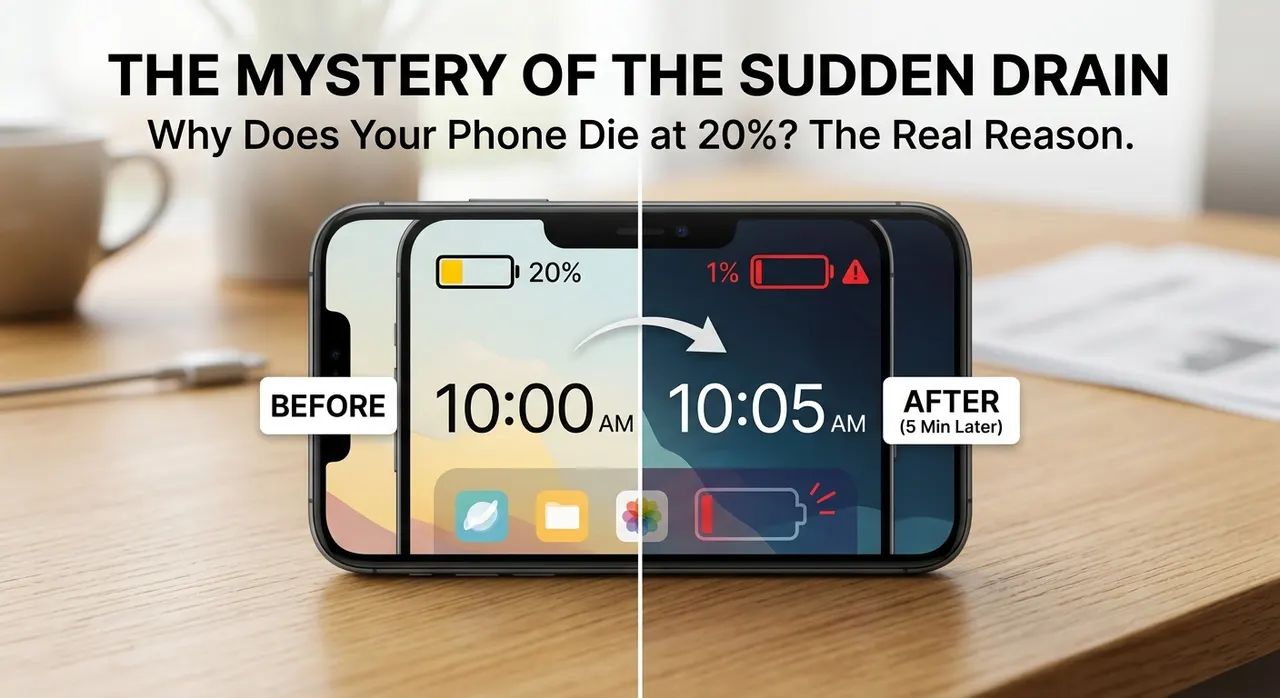
Seeing your phone shut down while the battery indicator still says 20% feels like the phone has made a mistake.
There it is on the screen, perfectly clearly: 20% remaining.
Then you open the camera, launch an app, or simply try to wake the phone up, and suddenly the screen goes black.
When you turn it back on, you might find that the battery is at 1%, or that the phone won't turn on at all.
So what happened to the other 20%?
The battery probably wasn't completely empty. The number on your screen was an estimate of how much usable charge the phone thought was left, and under certain conditions, that estimate can stop matching what the battery is actually capable of delivering.
This becomes much more common as lithium-ion batteries get older.
The battery percentage isn't a tiny fuel gauge
It's easy to imagine the battery percentage as a physical measurement.
A car's fuel gauge works roughly like that. There is fuel in the tank, and the gauge gives you an approximation of how much is left.
A phone battery doesn't work quite so simply.
Your phone cannot directly look inside a lithium-ion battery and see that exactly 20% of its usable energy remains. Instead, the phone's battery-management system estimates the battery's state of charge, usually shortened to SoC.
It uses several pieces of information to make that estimate. Depending on the device, these can include battery voltage, the current flowing into or out of the battery, temperature, previous charging and discharging behavior, and models of how that particular battery is expected to behave.
So when your phone says 20%, what it really means is something closer to:
Based on the information I have, I estimate that about 20% of the battery's usable charge remains.
That's a subtle difference, but it matters.
The percentage isn't useless. Modern phones are very good at estimating battery state under normal conditions. It just isn't a direct measurement of remaining energy.
A new battery and an old battery don't behave the same way
Lithium-ion batteries gradually change as they are used.
Every charge and discharge cycle contributes to chemical and physical changes inside the cell. Heat and other conditions can accelerate degradation.
One of the most obvious effects is reduced capacity.
A battery that could originally store a certain amount of energy may eventually be able to store less. That's why an older phone can seem to run out of battery much faster than it did when it was new.
But capacity isn't the only thing that changes.
The battery's ability to deliver power can also deteriorate.
That distinction is important because your phone doesn't always need the same amount of power.
Reading a message might require relatively little. Recording video, running a demanding game, taking a photograph, increasing the screen brightness, or performing other processor-intensive tasks can suddenly increase the amount of power the phone needs.
An aging battery can have more difficulty handling those sudden demands.
This is where voltage sag comes in
Inside every battery there is some resistance to the movement of electrical current. As batteries age, their internal resistance can increase.
When the phone suddenly demands more current, that internal resistance causes the battery's terminal voltage to drop.
This temporary drop is known as voltage sag.
A simplified way of thinking about it is:
more current demand + more internal resistance = a larger voltage drop
The battery might still contain some stored energy, but the voltage available at that particular moment can fall low enough that the phone can no longer operate safely.
The phone doesn't necessarily interpret this as: "There is plenty of energy left, so I'll keep going."
It has to operate within certain voltage limits.
If the voltage falls below a safe operating level, the phone can shut down.
That's why a phone can sometimes die while its indicator still says 20%.
The battery isn't necessarily hiding a perfect 20% reserve that the phone refuses to use. Some energy may genuinely remain in the cell, but the battery may no longer be able to deliver the required power at a usable voltage.
Why opening an app can suddenly kill the phone
This explains something that can otherwise seem completely random.
Suppose your phone is showing 20% and you're just reading a web page. Everything seems fine.
Then you open the camera.
The processor wakes up more fully. The camera hardware starts working. The display may remain bright. The phone may begin processing and storing a large amount of data.
The power demand increases.
If the battery is healthy, its voltage should remain within the range the phone needs.
If the battery is heavily degraded, that sudden increase in current demand can produce a much larger voltage drop. The phone can then reach its minimum operating voltage and shut down.
When the load disappears because the phone has shut off, the battery voltage can recover somewhat.
That's one reason a phone can sometimes appear to have battery left when you connect the charger after an unexpected shutdown.
The shutdown didn't necessarily mean that every last bit of stored chemical energy had disappeared. It meant the battery could no longer provide what the phone needed under those conditions.
Cold weather can make the problem worse
Temperature matters too.
Lithium-ion batteries generally perform less effectively at very low temperatures. The electrochemical processes inside the cell slow down, and the battery's internal resistance can increase.
That means a battery that behaves reasonably well at room temperature may struggle much more in the cold.
You may notice the percentage falling quickly, the phone becoming sluggish, or the device shutting down unexpectedly.
This doesn't necessarily mean the battery suddenly lost a huge amount of its stored energy.
The cold can simply make it harder for the battery to deliver that energy effectively.
As the battery warms up again, some of its performance can return.
Why battery health matters
If a phone is relatively new and shuts down once at an unusually high percentage, there may not be much to worry about.
But repeated shutdowns at 20%, 30%, or another high percentage are worth paying attention to.
Most modern phones have some form of battery-health or battery-diagnostics information. On supported devices, this can give you an indication of how much the battery has degraded compared with when it was new.
A badly degraded battery is often the real explanation when a phone repeatedly dies with plenty of percentage showing.
In that situation, replacing the battery is a much more meaningful fix than trying to manipulate the percentage.
Can recalibrating the battery fix it?
This is where battery advice online can get confusing.
You may hear that you should completely drain the phone to zero and then charging to 100% every time to "reset" the battery.
That needs some qualification.
A charge and discharge cycle can sometimes help a device's battery-management system improve its estimate if the displayed percentage has become inaccurate. In other words, it may help the measurement.
It doesn't repair the battery itself.
If the cell has physically degraded and its internal resistance has increased, recalibrating the software cannot reverse that chemical aging.
And regularly forcing a lithium-ion battery all the way to empty isn't a good strategy for preserving battery life. There is generally no benefit to making a habit of completely draining it.
If the phone is consistently shutting down early, finding out whether the battery is degraded is more useful than repeatedly trying to recalibrate the percentage.
What you can actually do
If your phone has started behaving this way, there are a few practical things worth checking.
First, look at the battery-health or diagnostic information available on the device.
If the battery is significantly degraded, replacement may be the appropriate solution.
If the battery appears healthy but the percentage is behaving strangely, software, calibration, temperature, or another hardware issue may be involved. In that situation, keeping the phone's operating system updated and checking the manufacturer's diagnostic tools can help narrow down the problem.
It's also worth paying attention to temperature. Avoid exposing the phone to extreme heat for long periods, and remember that a very cold battery may temporarily perform much worse than it normally would.
And if you already know that your phone has a battery that shuts down unexpectedly, don't treat the 20% warning as a guaranteed amount of remaining usage time. In practice, you may have considerably less usable time available.
So, was the phone lying about having 20%?
Not exactly.
The phone was making an estimate, and under normal conditions that estimate is useful.
The problem is that 20% battery does not necessarily mean 20% of the battery's original ability to deliver power under every possible condition.
An aging battery can have reduced capacity, increased internal resistance, and greater voltage drops when the phone suddenly demands more power. Cold temperatures can make those effects more noticeable.
So when your phone shuts down at 20%, there can still be energy inside the battery.
The important question is whether the battery can deliver that energy at a voltage and power level the phone can actually use.
That little percentage on the screen is therefore less like a precise ruler and more like a prediction based on everything the phone knows about its battery.
And the older the battery gets, the harder that prediction can become.